

 SWITCH POD
 AURA
AURA NOVA Apple Steezy
 NOVA Banana Steezy
 NOVA Popup Series
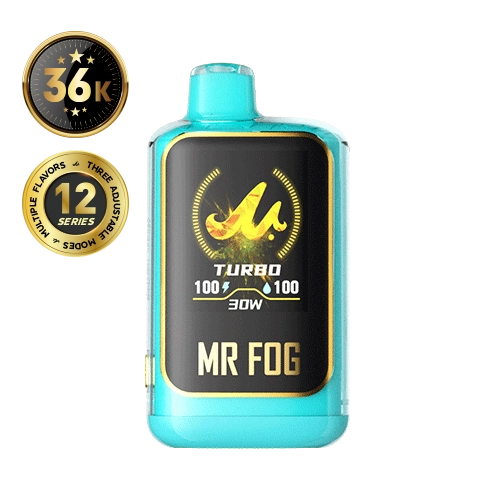 NOVA Bubble Gang
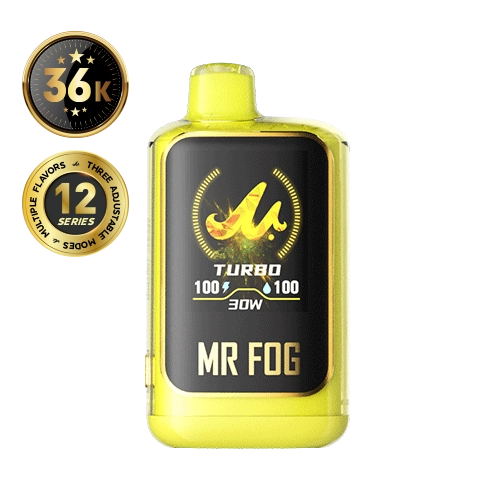 NOVA Lemon Steezy
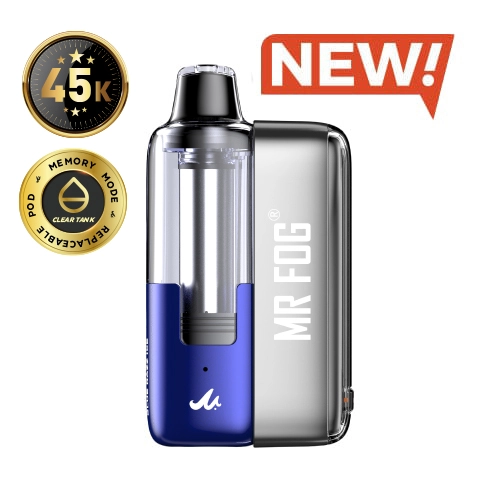 SWITCH POD
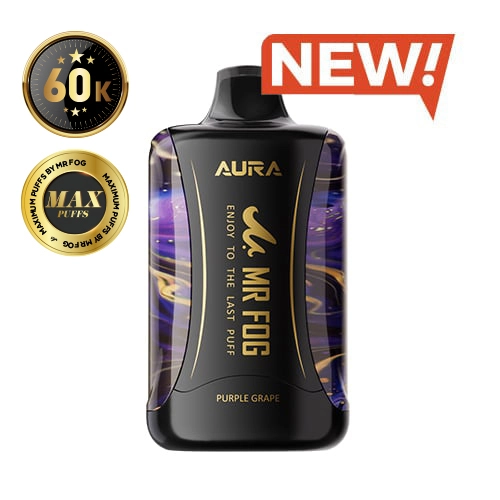 AURA
AURA NOVA Series
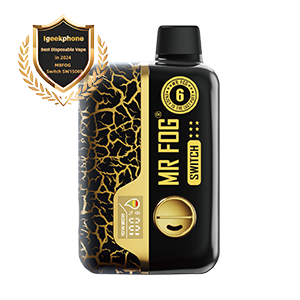 SWITCH 15000
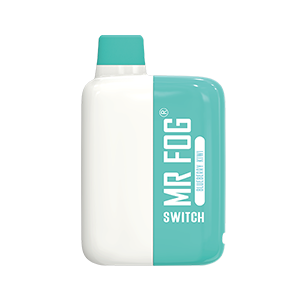 SWITCH 5500
 Blue Razz Steezy
 Mellow Man
 Apple Steezy
 Banana Steezy
 Berry Steezy
 DRT
DRT Nicotine Pouches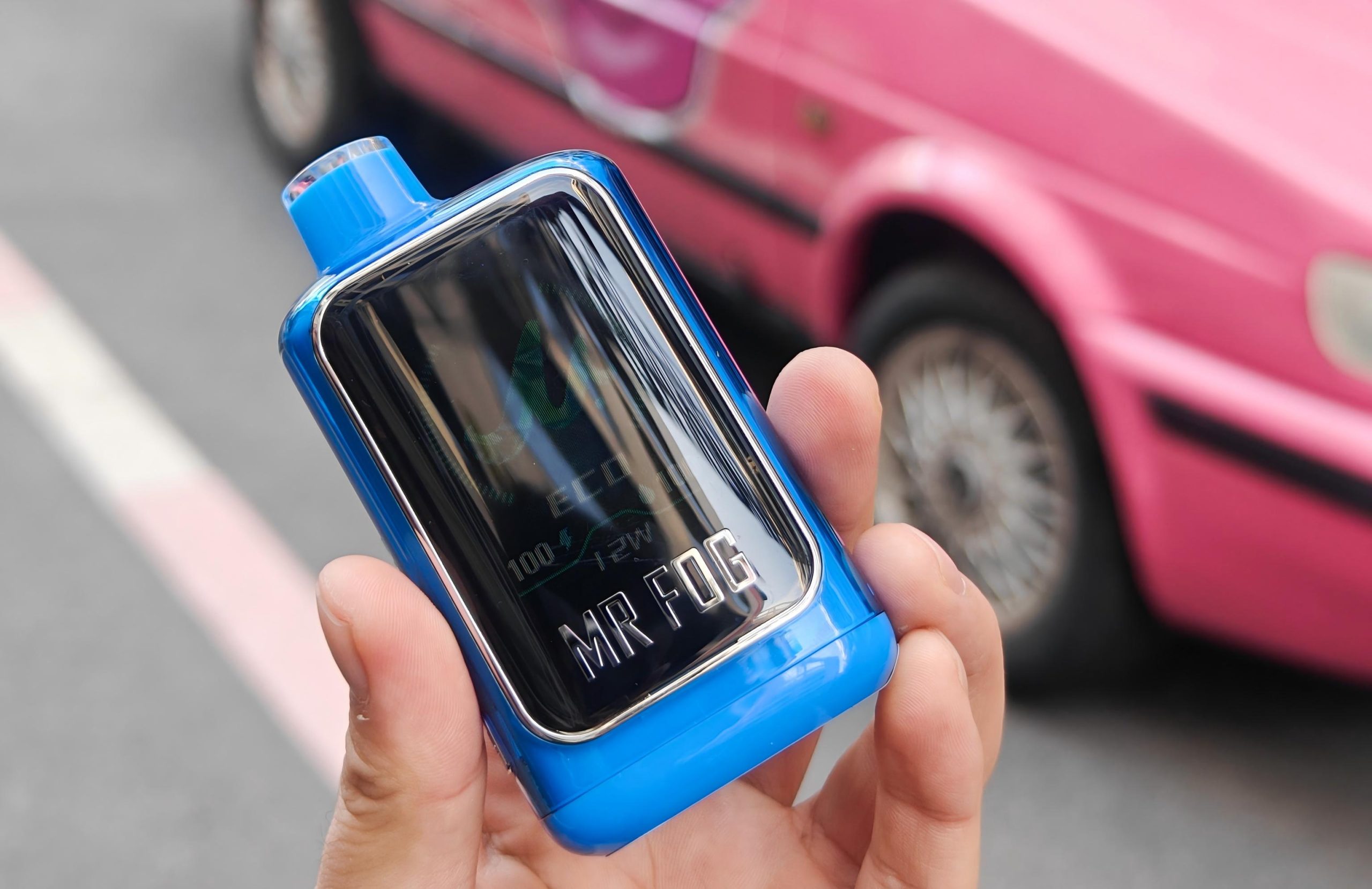
Few things are more frustrating than plugging in your device and seeing nothing happen. The cable is connected, the power source works, yet your vape refuses to charge or only shows a blinking light. If this sounds familiar, you are not alone. Many adult users in Canada experience vape not charging issues at some point, even when the device was working normally before.
The good news is that most charging problems are not serious. In fact, they are usually caused by small issues such as lint in the charging port, moisture, battery protection features, or the wrong charging setup. This guide explains everything in simple language so you can fix the issue safely and confidently. It focuses only on MR FOG products and everyday Canadian use.
Before troubleshooting, here are two important reminders. In Canada, vaping products are intended for adults only, and it is illegal to sell or provide them to anyone under 18, with some provinces setting a higher minimum age. Canada also limits nicotine concentration in vaping products sold legally to a maximum of 20 mg per mL.
Now let us fix the charging problem step by step.
What charging lights usually mean
When people talk about vape charging light blinking, they often assume something is broken. In reality, blinking lights are usually warning or protection signals. They exist to protect the battery and the user.
A blinking light may mean the battery is very low
It may indicate a weak or unstable charging connection
It may show that the device is too hot or too cold
It may signal that the device detected moisture or debris
It may activate when battery protection is engaged
Because of this, you should not panic or force the device. Instead, stop and work through the checklist below.
Start with the easiest checks
Check your cable and power source
Not all Type C cables are equal. Some cables only support data, while others are worn out inside. Therefore, always start here.
Try a different Type C cable that you know works
Try a different USB power source such as a wall adapter or computer
Make sure the cable fits firmly and does not wobble
If the device starts charging normally, the problem was the cable or adapter. This step alone solves many cases of vape not charging but lights up.
Inspect the charging port carefully
Pocket lint is one of the most common reasons charging fails. Even a small amount can prevent the plug from making proper contact.
Look inside the port using good light
Check for lint, dust, or sticky residue
Do not use metal tools to poke inside
If you see debris, cleaning the port safely is the next step.
how to clean vape charging port safely
Cleaning a charging port sounds risky, but it is safe if you do it gently. The goal is to remove debris without bending the internal contacts.
Turn off the device if possible
Unplug the cable
Use a dry wooden toothpick or a soft brush to lift lint out
If residue is sticky, lightly dampen a cotton swab with water and clean gently
Dry the port completely and wait several minutes before charging
Never pour liquid directly into the port. Never scrape with metal. This careful method fixes many blinking and charging issues.
Battery protection and why charging stops
Modern devices include battery protection systems. These systems prevent charging if conditions are unsafe. For example, if the battery is too hot, too cold, or charging voltage is unstable, charging may pause.
If your device feels warm, let it cool at room temperature for 20 to 30 minutes. Then try charging again.
If your device has been outside in cold Canadian weather, let it warm up indoors before charging.
Health Canada recommends charging lithium ion devices at room temperature and away from soft surfaces that trap heat. These habits reduce risk and also improve charging reliability.
When the device lights up but will not turn on
Some users experience vape won’t turn on after charging. This can happen for several reasons.
The battery protection system may still be active
The charging connection may have been unstable
Moisture may be interfering with contacts
The device may require a reset or rest period
In this situation, unplug the device, let it rest for at least 15 minutes, then try turning it on again. If the device uses draw activation, take a gentle puff. If it uses a button, try the normal activation method described in its manual.
Moisture and condensation problems
Even when you are careful, moisture can build up. Vapour naturally cools and turns into condensation. In addition, small leaks from a pod can transfer liquid to hands, pockets, and eventually the charging area.
Moisture is dangerous during charging. It can cause blinking lights, unstable charging, or complete charging failure.
If the device feels damp or sticky
Stop charging immediately
Wipe all surfaces with a dry cloth
Let the device air dry fully before reconnecting
Never charge a device that is wet. This is both a safety and performance issue.
Is it safe to use fast charger for vape
Many users ask is it safe to use fast charger for vape because modern phone chargers are powerful. The simple answer is that fast chargers are not ideal unless the device specifically supports them.
Most vape devices are designed for standard USB power
High watt fast chargers can create heat and stress the battery
Unstable power can trigger protection mode and blinking
For best results, use a standard wall adapter or computer USB port. This keeps charging slower, cooler, and safer.
When charging problems keep coming back
If you fix the issue but it returns often, look at habits and environment.
Do you keep the device in your pocket with lint
Do you vape heavily right before charging
Do you charge in very hot or very cold places
Do you use different random cables often
Improving these habits often stops repeat charging problems and extends battery life.
MR FOG daily charging tips
If you use MR FOG devices, consistent care makes a big difference.
Keep the charging port clean
Wipe the device base regularly
Charge at room temperature
Avoid charging overnight
Use gentle, steady charging instead of constant quick top ups
Some users also search MR FOG NOVA when learning about MR FOG options and care routines. Regardless of the model, these habits help charging stay reliable over time.
A simple decision checklist
If your device is vape not charging, follow this order.
Try a different Type C cable
Try a different power source
Clean the charging port gently
Dry the device completely
Let it rest at room temperature
Avoid fast chargers
If the port is damaged, stop using it and follow MR FOG support guidance
This checklist solves most issues safely and prevents damage.
Canada safety reminders
Vaping products are for adults only. Always follow local age laws and purchase from reputable Canadian sellers. Battery safety also matters. Charge lithium ion devices where you can see them and away from flammable surfaces.
 SWITCH POD
 AURA
AURA NOVA Apple Steezy
 NOVA Banana Steezy
 NOVA Popup Series
 NOVA Bubble Gang
 NOVA Lemon Steezy
 SWITCH POD
 AURA
AURA NOVA Series
 SWITCH 15000
 SWITCH 5500
 Blue Razz Steezy
 Mellow Man
 Apple Steezy
 Banana Steezy
 Berry Steezy
 DRT
DRT Nicotine Pouches